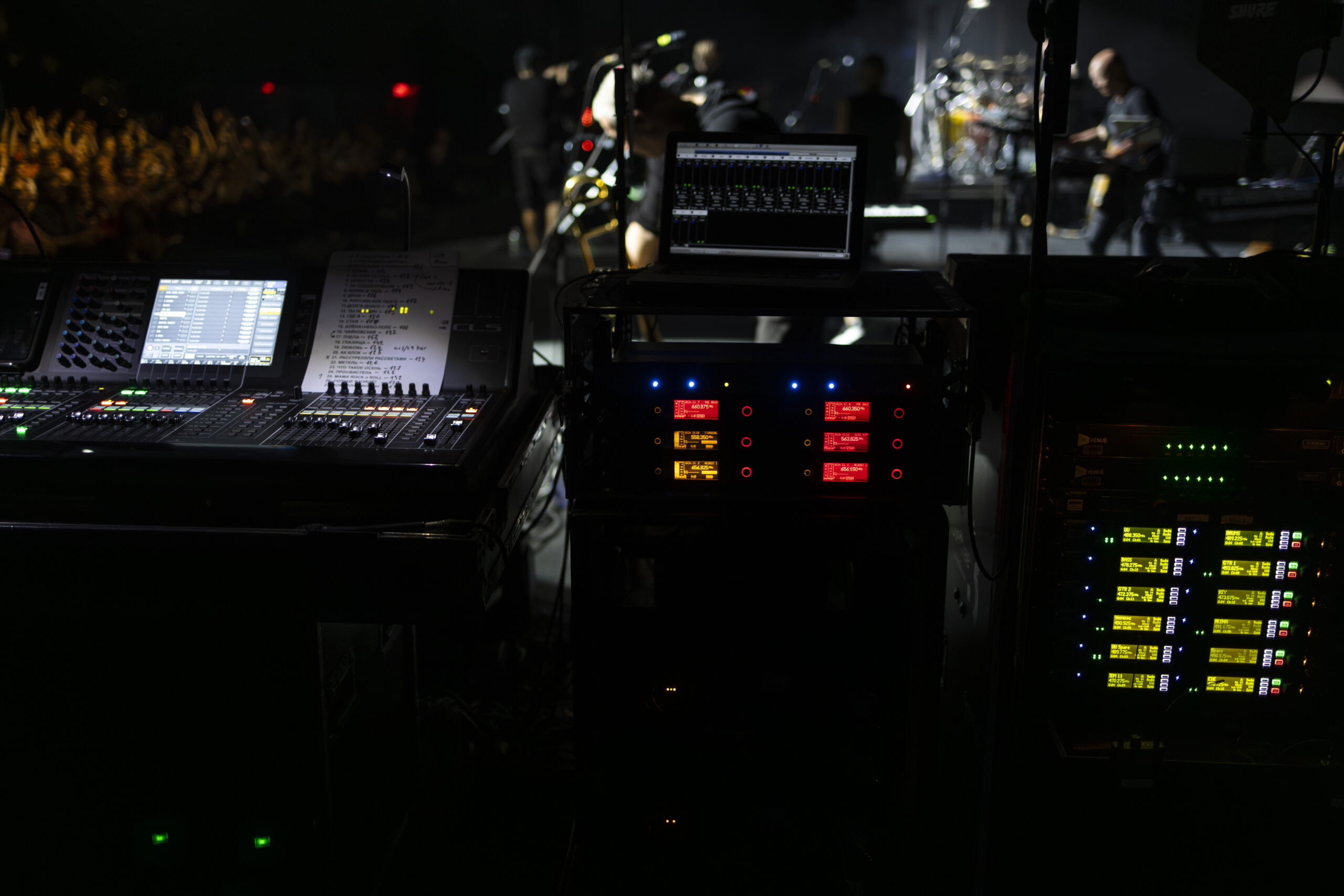
Before a single fader moves on opening night, thousands of decisions have already been made, documented, and cross-referenced across dozens of interconnected spreadsheets, CAD drawings, and database entries. The patch sheet and signal flow diagram are the most unglamorous artifacts of live production, and also the most consequential. When they are wrong, shows fail. When they are right, no one notices them at all — which is precisely the point.
What a Patch Sheet Actually Contains
A professional audio patch sheet is not a simple list of inputs and outputs. It is a relational document that maps every signal source — a Shure ULXD4Q wireless receiver, a DI box on a keyboard stage, a Sennheiser MKH 50 overhead microphone — to its physical connection point on the stage box or patch panel, its channel assignment on the stage rack, its digital audio network channel number in the Dante or MADI domain, its channel strip number on both the monitor console and the front-of-house console, and any relevant gain structure or processing notes. On a complex production, a single column in the patch sheet might represent a Shure Axient Digital channel that passes through a Radial SW8-USB switcher before reaching a Yamaha Rivage PM10 — and every hop in that chain needs to be documented.
The Lineage of the Patch Sheet
The formalization of audio patch documentation in live production dates to the analog era, when productions running Neve 8078 consoles in fixed installations needed reliable documentation to re-create mixes after touring acts came and went. By the late 1980s, as multitrack recording for live albums became standard and productions began carrying their own consoles on the road, the patch sheet evolved into a touring staple. The shift to digital consoles in the early 2000s — specifically the introduction of the DiGiCo D5 and Yamaha PM5D — added layers of software routing on top of the hardware patching, effectively doubling the complexity that patch documentation needed to address.
Signal Flow Diagrams: Thinking in Architecture
Where a patch sheet tracks individual signals, a signal flow diagram captures the architecture — the overall path from source to destination, including every device, every conversion point, every split and merge. A well-drawn signal flow diagram shows that the lead vocal microphone signal is captured by a Midas PRO X stage input, split via an active RF splitter to both FOH and monitors, converted to Dante via an Audinate Brooklyn II card, distributed across the network to a Yamaha Rio3224-D2 breakout at broadcast, routed into a Pro Tools HDX system for multitrack capture, and simultaneously fed as a clean feed via AES3 to the broadcast mix position. That flow — drawn clearly with signal types, connector formats, and clock domains annotated — is what separates a professional signal chain from an improvised one.
Drafting Tools Used by Working Engineers
The industry’s preferred tool for signal flow diagrams remains OmniGraffle on macOS for many veteran engineers, while others have migrated to Microsoft Visio or the free, browser-based draw.io. For integrated documentation that links signal flow to equipment databases and rental manifests, platforms like Vectorworks Spotlight with its ConnectCAD module have become significant in larger production companies. ConnectCAD allows a designer to draw a cable from a Dante device to a switch port and have that cable automatically added to a cable schedule, cross-referenced to the patch sheet, and flagged if the cable type specified doesn’t match the connector on both ends.
Video Patch Documentation: A World of Its Own
Audio engineers have historically been the most rigorous documenters, but video signal flow documentation has grown exponentially in complexity as productions blend SDI, HDMI, NDI, ST 2110, and HDBT in the same system. A modern video patch sheet for a corporate event with a Blackmagic Design ATEM Constellation 8K switcher, multiple Barco E2 processors, and a disguise GX 2c media server feeding both LED walls and confidence monitors requires documentation that tracks signal format at every node — resolution, color space, frame rate, and sync reference. Video signal flow diagrams must also document clock and sync topology, specifying where the blackburst or tri-level sync reference originates and which devices lock to it.
The Revision Control Problem
Patch sheets and signal flow diagrams are living documents that change constantly between the first pre-production meeting and the final show. Revision control — tracking what changed, when, and who authorized it — is the discipline that separates professional documentation from amateur documentation. Productions using shared Google Sheets for patch documentation benefit from automatic version history, but lack the structured format enforcement that dedicated tools provide. Dropbox Paper or Confluence provide version tracking with comment threads but require custom templates. The best productions assign a single person — often the systems engineer or production coordinator — as the document owner, with a strict change request process that prevents unauthorized edits from propagating to the wrong revision during a live show day.
Handoff Protocol: Giving the Crew What They Need
A signal flow diagram that lives only on the systems engineer’s laptop is functionally useless on a load-in day when that engineer is troubleshooting a ground loop at stage left. Best practice distributes printed, laminated copies of the abbreviated patch sheet to every crew position — FOH engineer, monitor engineer, stage patch tech, video engineer, broadcast liaison. The abbreviated version shows only what each person needs at their position, with the full master document maintained centrally. Color coding by signal type — audio analog in blue, AES digital in green, video in red, control and data in yellow — is a near-universal convention that allows a crew member to trace a signal path without reading every label on a busy drawing.
When the Patch Sheet Saves the Show
Every experienced production engineer has a story about a patch sheet that saved a show. A channel-to-channel routing conflict caught in documentation review the night before show day. A phantom power incompatibility identified when the patch sheet showed a ribbon microphone assigned to a channel with phantom permanently switched on. A gain-staging error traced through the signal flow diagram to a mismatched trim setting three devices deep in a chain. These are recoverable pre-show problems. The alternative — discovering them during the performance — converts technical problems into catastrophic audience-facing failures. The patch sheet and signal flow diagram are the production’s immune system: invisible when healthy, absolutely vital when something goes wrong.
Produced for AV Industry Insight | © 2025 All Rights Reserved
